How to Sell Art Prints on Shopify: A Step-by-Step Guide for Artists
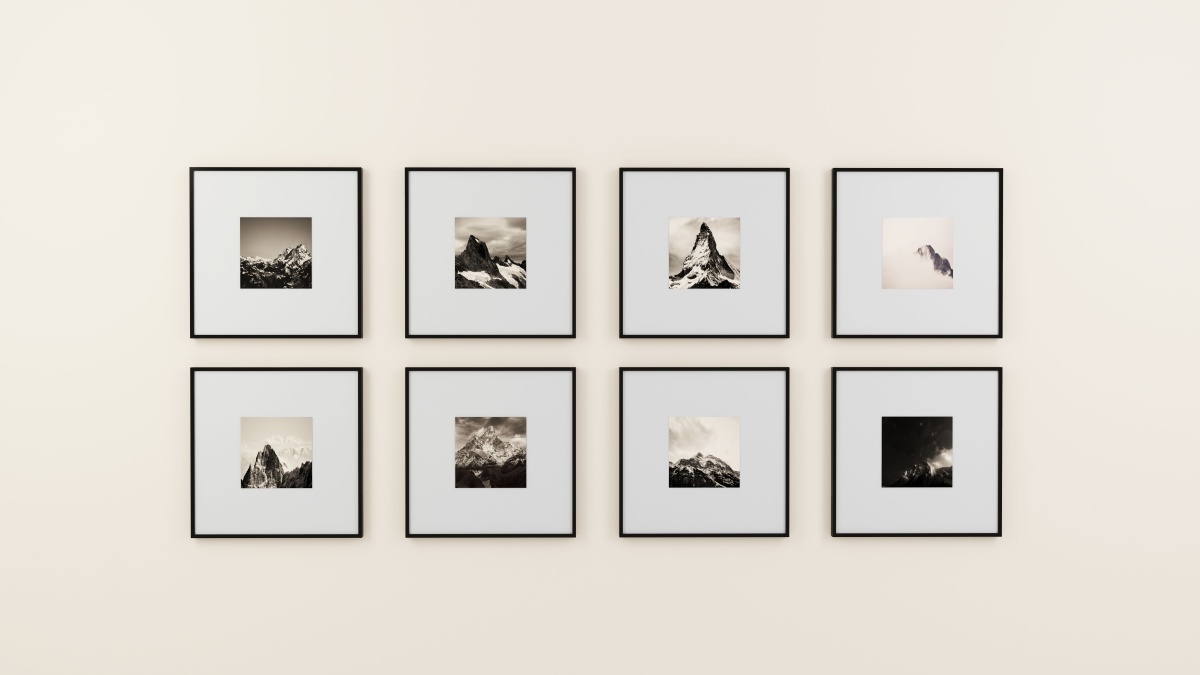
Selling art prints on Shopify is a side business for many artists. By transforming original illustrations, paintings, and photographs into products for a global audience, artists can earn significant profits that truly reflect the value of their time and talent. If you are ready to launch your own art business, building an online store on Shopify is undoubtedly one of the best ways to get started. In this guide, we will walk you through the process of selling art prints on Shopify, from preparing your first collection and launching your store to boosting your sales, helping you achieve your goals every step of the way.
Step 1. Choose the Art Prints You Want to Sell
Before you begin selling, you must first determine what type of art prints you intend to offer and who your target audience is. You can sell physical prints created from your digital artwork, or you can sell digital files that customers can download and print themselves. It is highly recommended to maintain a consistent style across your products; this is essential for building your brand, managing your inventory, and effectively reaching your target customers.
Pick an Art Print Niche
Start by reviewing your existing artwork to see if you can identify a style or theme that might appeal to a specific audience, for example, minimalist wall art, botanical illustrations, landscape photography, abstract art for children's rooms, or personalized pet portraits.
If your creative work spans many different directions, I suggest focusing on one specific style and creating a collection of unique pieces centered around a single theme. Don't try to cater to everyone; your primary goal should be to find a group of customers who genuinely appreciate your particular creative style.
Please consider the following three questions:
- Who is likely to buy your work? Think about their interests, decorating preferences, and purchasing occasions.
- What makes your artwork distinctive? Your visual style, subject matter, storytelling, or customization options could help differentiate your collection.
- Can you produce it consistently? Consider whether your artwork will reproduce well across different print sizes and materials.
For example, if you create botanical illustrations, you could build a collection of nature-inspired prints for home offices and living rooms instead of mixing unrelated designs into one store.
Start with a Small, Cohesive Collection
For your initial launch, I suggest starting with 8 to 12 related designs; the exact number will depend on your existing body of work and your budget. You might begin by offering designs in a few specific sizes to see which combinations attract the most attention and generate sales. Additionally, many artists choose to sell limited-edition pieces. If you decide to do this, be sure to clearly inform customers of the total number of pieces in the edition and keep detailed sales records. Typically, limited-edition works are marked with a number on the back.
Step 2. Prepare Your Artwork for Printing
Before uploading products, ensure that your files are properly prepared for printing; this helps prevent customer disappointment caused by unsatisfactory final products. Designs that look stunning on a computer screen may not necessarily yield the same result when printed onto a physical medium.
Create Print-Ready Digital Files
If you are selling digital illustrations or reproductions of physical artworks, you can follow these guidelines to prepare high-quality files that meet the requirements for your intended print dimensions:
- Resolution: Aim for 300 pixels per inch (PPI) for many standard art-print applications, while checking your printer's requirements.
- Dimensions: Prepare files large enough for your biggest planned print size. Avoid enlarging small images beyond what their original resolution can support.
- File format: High-quality JPEG, TIFF, or PDF files may be suitable, depending on your provider's specifications.
- Color settings: Follow your printer's instructions for RGB or CMYK. Don't assume that every printer requires the same color profile.
For example, an image measuring 3,600 × 4,800 pixels can produce a 12 × 16-inch print at 300 PPI. If you want to offer larger sizes, you'll need a sufficiently detailed source file or a suitable workflow for preparing larger formats.
Digitize Traditional Artwork Carefully
If you paint or draw on physical materials, use a quality scanner when the artwork can be scanned safely. For oversized pieces or artwork with substantial texture, photography may be more appropriate. Keep lighting even, avoid glare, correct perspective, and check colors against the original. Make sure the digital reproduction preserves fine lines and important details.
Order a Test Print Before Selling
Before publishing your collection, print at least one representative design and inspect it under normal lighting. Check color accuracy, sharpness, paper quality, cropping, and overall presentation. If you plan to offer several sizes, test the largest and smallest versions when practical. A design that looks crisp at 8 × 10 inches might lose detail when enlarged.
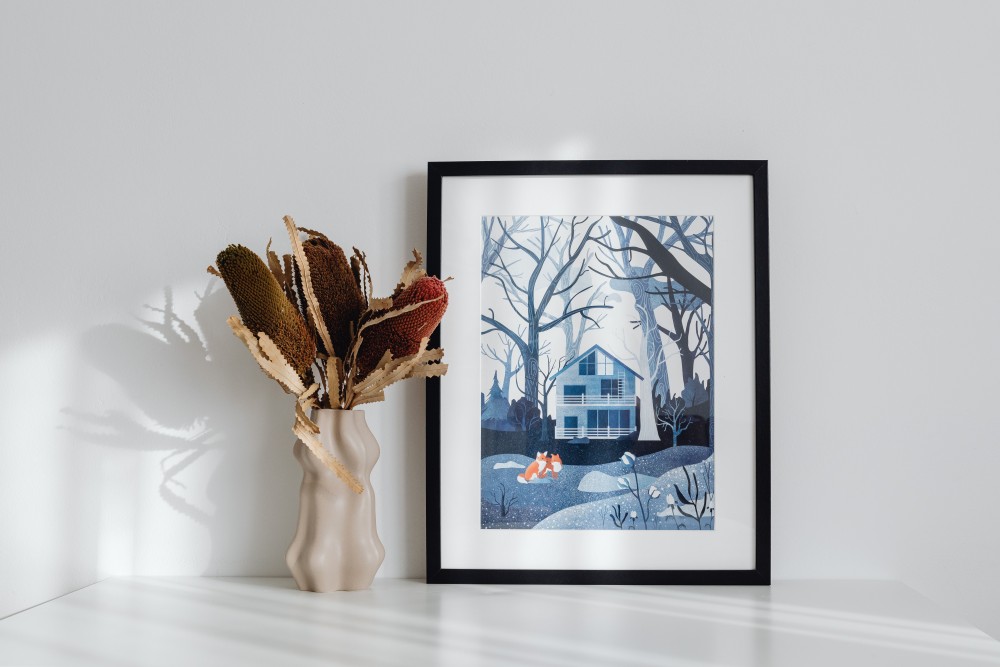
Step 3. Choose How to Print and Fulfill Orders
Your printing method affects upfront costs, profit margins, production control, and the amount of time you spend managing orders. Three common options are print on demand, in-house printing, and bulk printing.
Print on Demand: Sell Without Holding Inventory
Print on demand (POD) allows you to sell art prints without purchasing finished products in advance. A third-party provider produces and ships each order after a customer buys from your store.
The typical workflow looks like this:
- Choose a POD provider and connect its compatible app to Shopify.
- Upload your artwork and select suitable print products.
- Create listings and set retail prices.
- A customer places an order through your Shopify store.
- The order is forwarded to the provider for production and fulfillment, where supported.
- The printed artwork is shipped to the customer.
The main advantage is flexibility. You can test designs without committing to a large production run or storing unsold prints.
However, POD isn't cost-free. Per-unit production costs may be higher than bulk printing, and you have less direct control over production and shipping. You'll also need to account for samples, marketing, platform fees, and other operating expenses.
Shopify's print-on-demand guide explains how this model works and what sellers should consider when selecting a provider.
In-House Printing vs. Bulk Printing
If you want more control, you can print and ship orders yourself. This approach lets you inspect every print and manage packaging directly, but you'll need suitable equipment, materials, storage space, and time.
Bulk printing is another option. Ordering a larger quantity from a professional print shop can reduce unit costs, depending on the provider and order size. The trade-off is that you pay upfront and may be left with unsold inventory.
| Printing method | Best suited for | Main trade-off |
|---|---|---|
| Print on demand | Beginners testing products | Higher unit costs are possible |
| In-house printing | Artists who want hands-on control | Equipment, labor, and storage |
| Bulk printing | Proven designs with predictable demand | Upfront spending and inventory risk |
Selling Digital Art Prints as Downloadable Files
You don't have to sell physical prints to build an art business on Shopify. Digital art prints offer another option: customers purchase downloadable files and print the artwork themselves at home or through a local print shop. Since there's no physical production or shipping involved, digital products can reduce fulfillment work and eliminate inventory costs. However, customers still need clear instructions to get the best results from your files.
In Shopify, install a digital download app, such as Shopify's free Digital Products app, and upload the files customers will receive after purchase. Make sure the product is configured as non-physical so shipping isn't charged. Then test the checkout and download process before launching.
Use product mockups to show how the artwork might look on a wall, but make it clear that customers are purchasing a digital file rather than a physical print.
How to Choose a Print-on-Demand Partner
Compare potential providers based on more than the advertised base price. Check their paper options, supported dimensions, print quality, shipping destinations, production times, delivery estimates, and policies for damaged orders. Also confirm that the provider integrates with Shopify and supports the order workflow you need.
A practical approach is to shortlist two or three providers, upload the same artwork, and order samples. Compare the finished products and calculate the total cost, including shipping, before choosing a partner.
Step 4. Set Up Your Shopify Art Print Store
Next, you will need to set up your Shopify store. While this process can be a bit complex, Shopify provides very detailed official guidance, allowing even beginners to complete the store setup within 1–3 days.
Choose a Theme and Organize Your Store
I recommend choosing a clean, mobile-friendly Shopify theme that provides ample space to showcase your work. For visual products, large images, simple navigation, and easy-to-read product information are essential elements for your store.
Your store structure should include the following:
- Home: Introduce your brand and feature selected artwork.
- Shop All Prints: Give customers an overview of your collection.
- Collections: Organize prints by subject, style, room, or occasion.
- About the Artist: Share your background and creative process.
- FAQ and Shipping: Explain delivery, returns, and common product questions.
Start with the essentials. You can add more features as your business grows rather than installing numerous apps before you know what you need.
Add Products and Set Up Variants
In your Shopify admin, navigate to Products and add a new product. Upload your images, enter a title and description, set the price, configure inventory and shipping details where applicable, and organize the product into a relevant collection.
If a print is available in multiple sizes or framing options, configure those as product variants when supported by your setup.
Check the cost of each variant before assigning prices. A large framed print may cost substantially more to produce and ship than a small unframed print.
Shopify's product details documentation covers product information, images, pricing, inventory, and variants.
For digital products, upload the downloadable files through a compatible app and disable the physical product setting so customers aren't charged shipping.
Create Product Pages That Help Art Sell
Your product page should answer the questions customers would normally ask before buying.
Use several types of images. Include a clear image of the artwork, a room mockup showing scale, and a close-up revealing important details. Mockups should accurately represent the product rather than exaggerate its colors or appearance.
Write a descriptive title. Instead of naming a listing simply "Botanical No. 3," use a title such as "Minimalist Botanical Art Print for Modern Living Rooms." You can still include the artwork's distinctive name in the description.
Explain the specifications. List available sizes, paper type, orientation, finish, and whether a frame is included. State clearly what customers will receive.
Describe the artwork naturally. Briefly explain its subject, style, inspiration, or intended setting. Original details help customers understand what makes your work different from generic decorative prints.
Optimize Your Store for SEO
Search engine optimization helps potential customers discover your products through Google and other search engines.
Begin with a relevant keyword for each product or collection. Use it naturally in the page title, product description, and URL where appropriate. Write unique meta descriptions and add descriptive alt text to images.
For example, an image alt text could be "Minimalist botanical art print displayed above a wooden console table." Describe what's actually visible rather than stuffing the text with keywords.
Organize your site logically, linking relevant products to their collections and related blog posts. You can also connect your store to Google Search Console to monitor search visibility and indexing.
Shopify provides built-in SEO features, including editable page titles, meta descriptions, and image alt text. Its SEO overview provides more guidance.
Step 5. Price Your Art Prints for Profit
Your retail price needs to cover the costs of producing and selling the print while leaving enough room for profit. Pricing based only on what competitors charge can be misleading because their production arrangements and operating expenses may be very different.
Calculate the Full Cost of Each Order
Consider the following example for an unframed art print:
| Cost component | Example cost |
|---|---|
| Print production | $8.00 |
| Packaging | $1.00 |
| Shipping paid by seller | $3.00 |
| Allocated payment and operating costs | $1.00 |
| Total variable cost | $13.00 |
These figures are illustrative. Your actual costs depend on the provider, product size, destination, and fee structure.
Use a Simple Pricing Formula
A useful starting point is:
Retail price = Variable cost per order ÷ (1 − Target contribution margin)
Suppose your variable cost is $13 and you want a 40% contribution margin:
$13 ÷ (1 − 0.40) = $21.67
You could test a retail price of around $22, provided it fits your market and product positioning.
At that price, approximately $9 would remain after the example's variable costs, before fixed expenses, taxes, and other costs not included in the calculation. Contribution margin is not the same as final net profit.
Test Different Pricing Options
Offer a sensible range of sizes if your production costs allow it. You can also experiment with print bundles or free-shipping thresholds, but calculate the economics before launching a promotion.
Research comparable artwork to understand customer expectations, then consider your own design originality, paper quality, presentation, and brand positioning. Your goal is to find a price customers will pay without undermining the sustainability of your business.

Step 6. Set Up Shipping, Fulfillment, and Customer Service
Whether you sell physical art prints or digital downloads, you need a reliable fulfillment process to ensure customers receive what they paid for. The main difference is that physical products require production and shipping, while digital products need a smooth file delivery process.
Configure Shipping and Delivery Expectations
For physical art prints, set up your shipping zones, delivery methods, and shipping rates in Shopify. Make sure customers understand the difference between production time and shipping time. Production time covers printing and preparation, while shipping time begins once the package is handed to the carrier.
Publish realistic delivery estimates on your product pages or shipping policy. If you're using a POD provider, check its fulfillment locations and estimated delivery times for each destination.
Digital products don't require physical shipping, so make sure the Physical product setting is disabled for digital-only listings in Shopify. This prevents shipping charges from being applied at checkout.
Manage Physical Print Fulfillment
For POD orders, check that purchases are correctly forwarded to your printing partner and that production and tracking updates are synchronized where supported. If you handle printing yourself, establish a consistent workflow for quality checks, packaging, shipping labels, and order notifications.
For art prints, pay particular attention to packaging. Use suitable protective materials and sturdy mailers or tubes to reduce the risk of bending, moisture damage, and scratches during transit.
Deliver Digital Art Prints Automatically
For digital art prints, you can use Shopify's free Digital Products app or another compatible download app to deliver files after purchase.
Upload your artwork files, configure the delivery method to Send automatically, and make sure customers receive a download link after successful payment. You can also add a download section to your Thank You or Order Status page where supported.
Before launching, test the entire purchase and download process. Check that files open correctly, image quality is preserved, and customers can easily identify the available print sizes and recommended printing options. Include a simple printing guide with information about file formats, aspect ratios, and suggested paper sizes to help customers get the best results.
Prepare Clear Customer Service and Return Policies
For physical prints, explain how customers can report damaged products, printing defects, or incorrect orders. For digital downloads, provide clear instructions for accessing files and explain how customers can request help if a download link doesn't work or a file is corrupted.
Also clarify your cancellation, refund, and return policies. If you sell digital products internationally, remember that tax treatment varies by location. For example, digital goods sold to EU consumers are generally subject to VAT based on the customer's country. Check the applicable tax requirements for your target markets before configuring your Shopify tax settings.
Step 7. Market Your Art Prints and Drive Traffic
Publishing your store doesn't guarantee visitors or sales. You'll need to help potential customers discover your artwork and give them a reason to choose your collection.
Use SEO to Attract Buyers Through Search
Start with search terms that reflect what customers might want to buy, such as "minimalist botanical wall art" or "personalized pet portrait print."
Optimize relevant product and collection pages around these topics. You can also publish useful blog posts on subjects such as choosing art sizes for a gallery wall, decorating a small apartment, or selecting prints as gifts.
Link those articles to relevant collections when it genuinely helps readers. Over time, this creates more ways for potential buyers to discover your products.
Use Reddit to Share Your Artwork and Build a Community
Reddit can be a valuable platform for artists to showcase their work and connect with people who appreciate their style. Start by finding subreddits related to your art niche, whether it's illustration, digital art, photography, or printmaking.
Instead of constantly promoting your store, share finished pieces, behind-the-scenes content, and insights into your creative process. Participate in discussions, offer genuine feedback, and engage with people who show interest in your work. When someone asks whether a piece is available for purchase, you can naturally direct them to its product page on your Shopify store.
You can also add your portfolio or store link to your Reddit profile. Just remember to check each subreddit's self-promotion rules before sharing commercial links. Focus on contributing to the community rather than treating every post as an advertisement.
Promote Your Art on Pinterest and Social Media
Visual platforms can help you show how your artwork looks in real settings.
Create content such as room mockups, close-ups, time-lapse videos of your creative process, and collections organized around different interior styles. Give each post a clear next step, such as visiting a related product page.
Prioritize one or two channels you can maintain consistently instead of spreading your effort across every platform.
Build an Email List
Invite interested visitors to subscribe to your emails. With appropriate consent, send updates about new collections, seasonal gift ideas, limited editions, and behind-the-scenes stories.
Existing customers may also be interested in complementary designs or new pieces in a collection they already purchased.
Test Paid Ads Carefully
Consider paid advertising after you have polished your product pages and identified designs that generate interest. Start with a manageable budget, then assess results using conversion rate, customer acquisition cost, and contribution margin rather than clicks alone.
If visitors arrive but don't purchase, revisit your product images, pricing, shipping information, and checkout experience before increasing your spending.
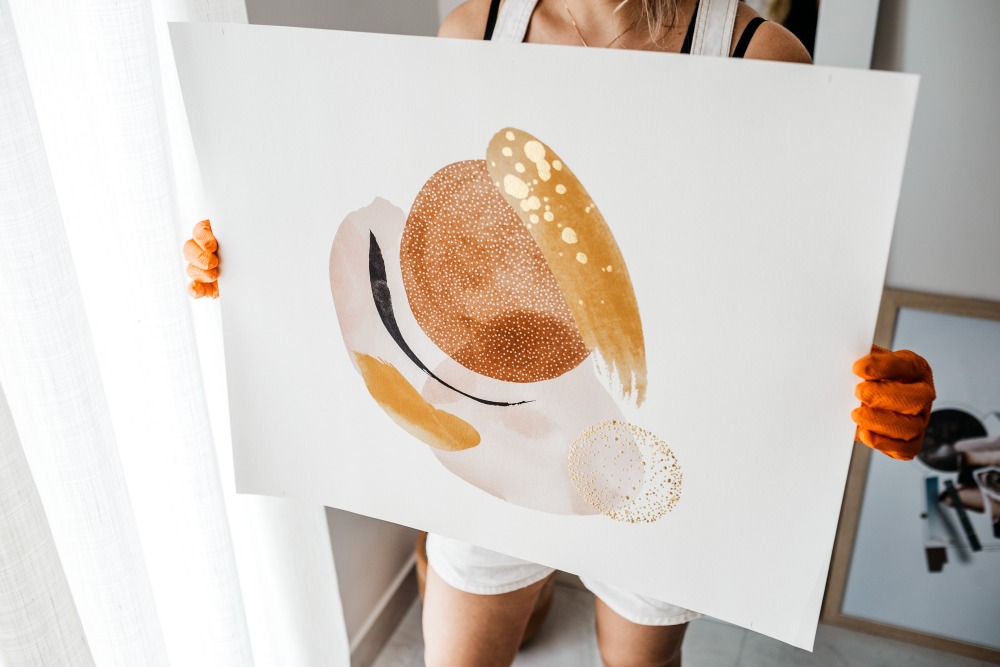
Create and Sell Custom Art Prints with PeaPrint
Ready to turn your artwork into products people can display in their homes? With PeaPrint, you can transform your designs into custom wall art products, including hanging posters and canvas prints, and sell them through your Shopify store.
Simply connect your Shopify store to PeaPrint, choose your products, upload your artwork, and publish your designs. When customers place orders, PeaPrint automatically handles production and shipping, so you don't have to purchase inventory upfront or manage fulfillment yourself.
Spend more time creating artwork and growing your brand while PeaPrint takes care of the physical orders.
👉👉👉 Explore PeaPrint's product catalog and Shopify integration to get started!
FAQs About Selling Art Prints on Shopify
Is Shopify a good platform for selling art prints?
Shopify is a suitable option for artists who want to build an independent online store, manage their product catalog, and shape their brand experience. However, you'll need to attract customers through marketing, search, social media, or other sales channels.
Can I sell art prints on Shopify without holding inventory?
Yes. A print-on-demand provider can produce and ship physical prints after customers place orders. You avoid buying finished inventory upfront, although production, platform, sample, and marketing expenses may still apply.
How much does it cost to sell art prints on Shopify?
A lean POD setup can cost around $30–$50 in the first month, covering a basic Shopify plan, a sample order, and an optional domain. For regular operations, budget approximately $60–$150 per month, including store fees, occasional samples or a POD membership, and light promotion. Payment processing fees and larger ad campaigns are extra.