Your 30-Day Black Friday POD Launch Calendar

Let’s cut straight to the point: If you are planning to launch your Black Friday POD products in November, you are already late.
Black Friday falls on November 27, 2026. That means the actual battle happens in October. Listings need time to gain search weight. Suppliers need time to process samples. Shipping networks will clog up in mid-November.
This is not a sprint; it is a systemized execution plan.
To survive Q4, you need a reverse-engineered calendar that moves from backend integration to front-end traffic testing. Below is your 30-day operational blueprint. Treat it like a project board. Check off the boxes, and don't skip the validation steps.
The Four-Week Sprint
Here is how to structure your 30-day countdown.
Week 1: Keyword Validation & Carrier Selection
- The Mission: Stop guessing. Find out what buyers are actually searching for.
- The Action: Run your ideas through eRank. Validate search volume and CTR. Pick 2–3 strong product categories (e.g., AOP hoodies, custom totes). Select your Peaprint carriers based on margin, not just trends.
- The Output: A finalized list of 5-8 keywords mapped to 3 specific product carriers.
Week 2: The Minimum-Viable Launch
- The Mission: Get listings live to start collecting algorithmic weight.
- The Action: Launch 3–5 listings per product line. Do not launch 50 listings. Keep the catalog tight. Use different audience angles for each listing. Ensure your titles front-load the most important keyword phrases.
- The Output: 15–20 optimized listings live on your store.
Week 3: Content & Traffic Testing
- The Mission: Find out which listings actually convert.
- The Action: Upgrade your mockups. Use Peaprint’s generator to show lifestyle, detail, and size variations. Turn on a small Etsy Ads budget ($3–$5/day). Crucial: Only spend on listings that are already getting organic clicks, favorites, or add-to-carts.
- The Output: A clear signal of which 2-3 listings are your "winners" and which are duds.
Week 4: Kill, Optimize, and Expand
- The Mission: Cut the dead weight and maximize your winners.
- The Action: Pause ads on zero-click listings. Optimize high-favorite, low-conversion listings by reviewing price, delivery dates, and mockup quality. Take your winning design and expand it to more carriers (e.g., move a winning tee design onto a hoodie).
- The Output: A streamlined, high-converting product catalog ready for the November rush.

The Integration Workflow
A lot of sellers treat etsy print on demand integration as just a technical step. It’s not. It is the exact moment your business shifts from manual chaos to automated fulfillment.
Building the bridge between your Etsy store and our fulfillment network doesn't take weeks of coding. It takes a few minutes. Here is your 5-step execution plan:
- Connect the Store: Register or log in to Peaprint. Link your existing Etsy store (no monthly fees, you only pay when an order comes in).
- Authorize the Connection: You don’t need to write any code. Simply log in securely to Etsy and grant Peaprint permission to access your store via our powerful API.
- Product Mapping: Browse our catalog of over 1,200+ products. Select which SKUs you want to sync and match your store listings to the specific Peaprint blanks and variants.
- Auto-Fulfillment Rules: Set your processing times. Decide if incoming orders should automatically route straight to our production queue, or if you want a manual approval step first.
- Set Your Pricing: Use our pricing calculator to factor in production costs, shipping, and your target profit margin before going live.
The Automated Flow:
Customer Places Order ➡️ API Instantly Triggers Peaprint ➡️ Production Begins ➡️ Package Shipped ➡️ Tracking Number Synced Back to Etsy.
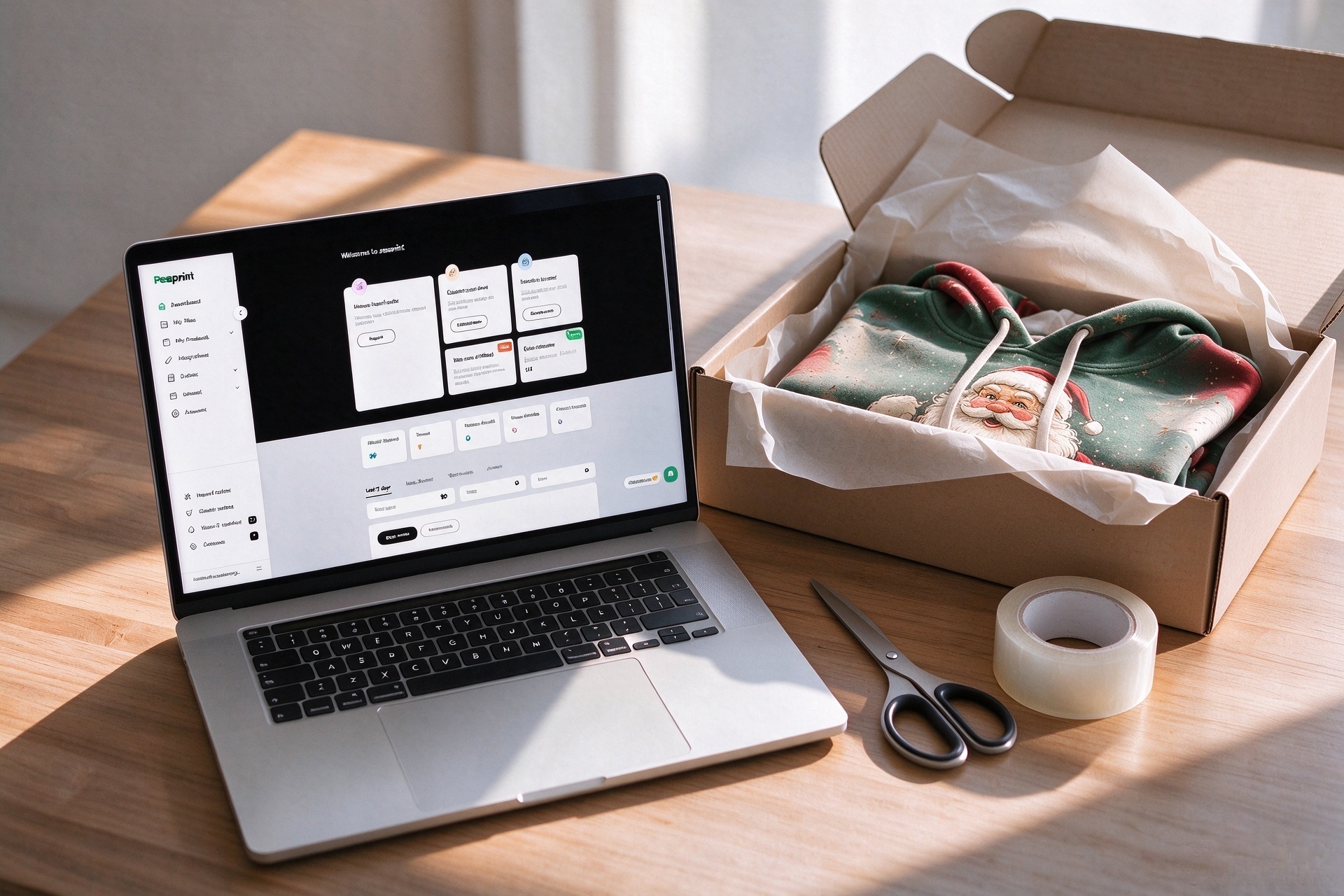
Once this loop is closed, you stop being an order-entry clerk and start being a brand owner. You can track the production and transportation progress at any time, right from your dashboard.
The Troubleshooting Matrix
Integrations are software, and software glitches. When things go wrong, do not just panic and contact support. Use this diagnostic matrix first:
| Symptom | What to Check | Immediate Action | Boundary / Note |
| Connection Failure | Is your API key expired or permissions revoked? | Re-authorize the connection in your store backend. | Make sure you are logged into the correct store account. |
| Order Not Syncing | Is the product mapped correctly? Did the payment clear? | Check the order status in Etsy. Manually sync the specific order. | Sometimes international payment clearing causes a 24-hour delay. |
| Tracking Not Returning | Is the order actually shipped? | Check the Peaprint production dashboard. | If it's shipped but tracking isn't syncing, copy it manually to avoid customer complaints. |

Validation Record (To Be Filled By You)
Before you run ads, you must test the pipeline.
Validation Record: CASE-INTEGRATION-006 (Template)
- Background: First-time store connection.
- Challenge: Ensuring orders sync and tracking returns without manual intervention.
- Plan: Place a test order on your own store. Check the status. Manually sync if it doesn't route.
- Validation Items: Order synchronization, tracking number return, processing time accuracy.
- Decision Rule: Do not turn on promotional ads until a full test order flows through the system seamlessly.
- Result: [To be filled after your test order]
The Post-Black Friday Bridge
The biggest mistake sellers make is treating December 1st as a reset button.
Don't kill your winning Halloween or Black Friday designs. Instead, build a bridge.
- If you have a design with "Happy Halloween," strip the text and keep the artwork.
- Apply the same master design to winter colorways (deep greens, burgundies, silvers).
- Keep your undated listings active. The holiday gift-buying season extends well into mid-December.
FAQ
Q: When should I connect my store to Peaprint?
A: Before you start promoting. You need at least 1-2 weeks to place test orders, check delivery timelines, and verify that tracking information flows back correctly.
Q: What if I don't get any orders in the first 30 days?
A: Don't panic. Check your foundation. Are your keywords relevant? Are your mockups high-quality? Is your pricing too high for the perceived value? Is the delivery date clearly stated? Fix the fundamentals before killing the product.
Q: Can I use multiple POD suppliers?
A: Yes. Many sellers use different suppliers for different product categories (e.g., one for apparel, one for home decor). Just ensure you keep fulfillment quality and tracking consistency high across all platforms.
The Strategic Summary
Black Friday isn't won on November 27th. It is won in the quiet, unglamorous weeks of October, through keyword validation, sample testing, and a clean integration workflow.
Build the calendar. Check the boxes. Let the system run.
Head over to Peaprint to start designing your holiday products today, and launch your store without any inventory risk.